The most popular Baserow alternatives & competitors, compared

Baserow has become a credible open-core alternative to Airtable by combining a relational Database Builder with application pages, dashboards, automation, AI features, and cloud or self-hosted deployment. That breadth makes it useful, but it also means the right replacement depends on which part of Baserow matters most to your team.
Some teams want AI to operate a complete business workspace. Others want Airtable's mature ecosystem, a more prescriptive work-management system, or a lightweight interface over an existing SQL database. A useful comparison therefore has to look beyond whether every product offers a grid, forms, and linked records.
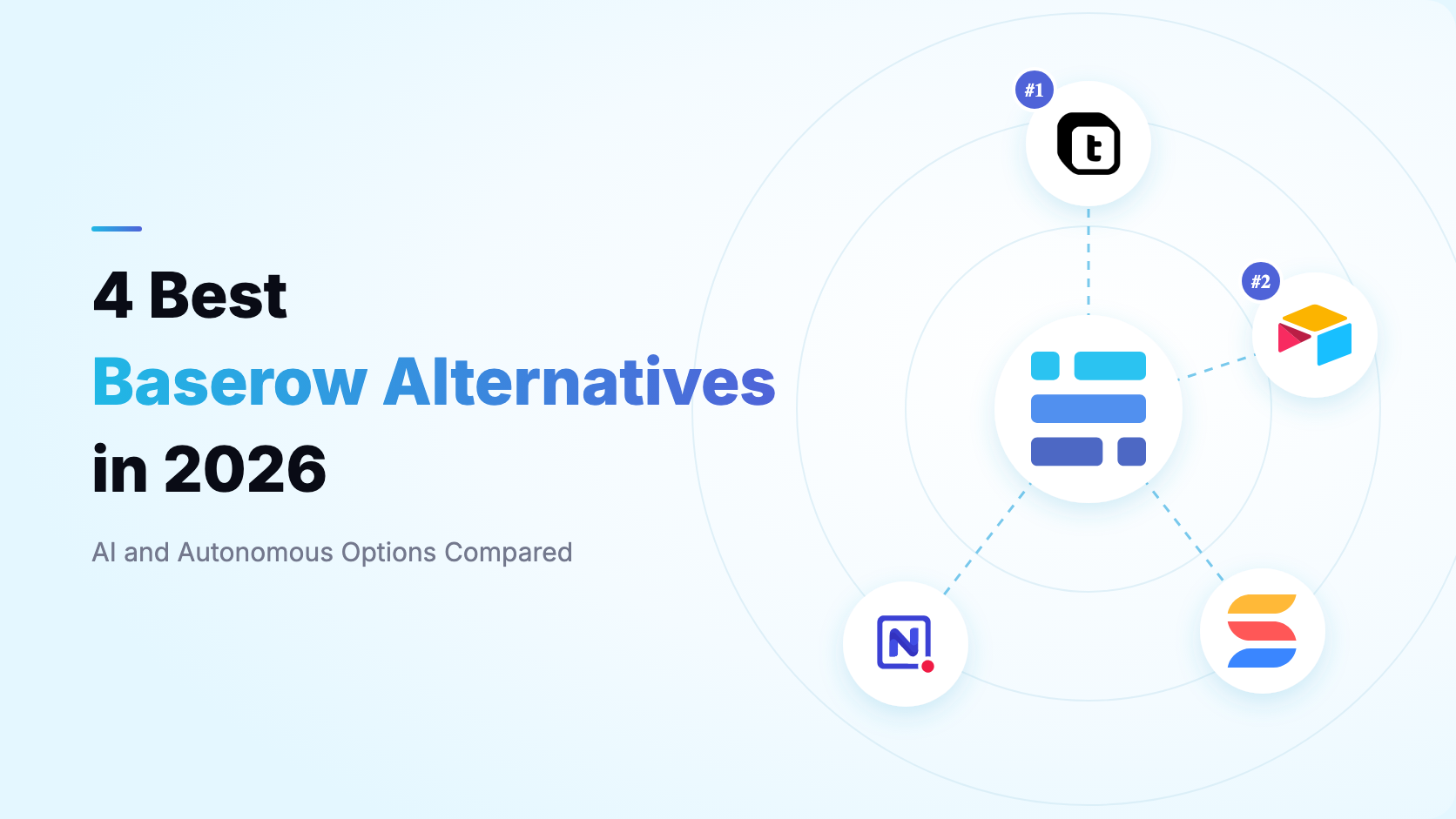
This guide compares four popular options represented in Teable's comparison catalog: Teable, Airtable, SmartSuite, and NocoDB. Teable ranks first because it combines live relational data with agent-driven operations, AI fields, generated apps, record-aware automation, and cloud or self-hosted deployment. Pricing and published limits were checked in August 2026; verify the linked first-party pages before purchasing.
Baserow alternatives at a glance
| Teable | Airtable | SmartSuite | NocoDB | |
|---|---|---|---|---|
| Best for | AI-native operations on live business data | Mature cloud no-code ecosystem | Structured project and process management | A spreadsheet UI for existing SQL data |
| AI approach | Workspace-wide agent, AI Field, app and automation generation | AI inside bases, fields, interfaces, and automations | AI inside Solutions, fields, and workflows | AI-assisted base and schema setup |
| Custom apps | AI-generated apps on live records | Interface Designer and app ecosystem | Dashboards, forms, reports, and work views | Views, forms, extensions, and APIs |
| Automation | Record-aware workflows, scripts, webhooks, email agents | Base automations, scripts, and integrations | Visual workflow recipes and integrations | Database-triggered automations |
| Deployment | Cloud or self-hosted | Cloud only | Cloud only | Cloud or self-hosted |
| Annual paid entry | $10 per seat/month | $20 per paid collaborator/month | $15 per seat/month, three-seat minimum | $12 per seat/month for cloud Plus |
| Published cloud capacity | 250K rows on Pro; 1M on Business | 50K records per base on Team | 5K records per Solution on Team | 50K records on Plus; 1M on Scale |
Baserow is the benchmark throughout this guide. Its annual cloud Premium plan lists $10 per user per month with 50,000 rows per workspace, 20GB of storage, 100,000 automation credits, all views, and AI features. Advanced lists $18 with 250,000 rows, role-based permissions, and audit logs. Baserow also offers paid self-hosted licenses; the free open-core deployment does not automatically include every Premium or Advanced feature.
What to look for in a Baserow alternative
The meaningful differences appear after a prototype becomes an operational system. Test the dimensions that affect ownership, maintenance, and the cost of running a real workflow.
- AI operating scope: Can AI only fill a field, or can it also understand files, change schema, build apps and automations, query data, and take actions across the workspace?
- Application model: Check whether you can build authenticated portals and custom apps with live read/write data, or only arrange database views and forms.
- Automation economics: Compare what counts as a run or credit, monthly allowances, scripts, webhooks, email actions, retries, and history retention.
- Cloud scale: Published row limits differ by workspace, base, table, and Solution. Model your real relationships instead of comparing headline numbers.
- Self-hosting completeness: Confirm which AI, automation, governance, and application features remain available outside the vendor cloud and which require paid licenses.
- Migration effort: Exports can move rows, but links, permissions, formulas, applications, and automation logic may require deliberate rebuilding.
1. Teable
What is Teable?
Teable is an AI spreadsheet for business. It combines a relational, spreadsheet-like database with an AI Agent, AI Field, automation, App Builder, dashboards, APIs, and cloud or self-hosted deployment.
The product is designed for teams that want structured data to become an operating layer. Teable AI can work with records, files, schema, views, SQL, scripts, automations, apps, integrations, collaborators, and migrations instead of remaining inside one prompt field.
Key features
- Workspace-wide Teable AI: Create and modify tables, analyze files, query records, generate apps and automations, and operate workflows through conversation.
- AI Field: Create reusable extraction, classification, summarization, scoring, translation, and generation columns, then run them on cells, batches, or filtered views.
- App Builder: Generate portals, dashboards, approval tools, booking pages, CRUD apps, calculators, and internal tools directly on live records.
- Record-aware automation: Combine triggers, conditions, scripts, HTTP requests, webhooks, email actions, and AI steps with record and file context.
- Business-aware email agents: Generate and send personalized communications from customer records and business context with unsubscribe support.
- Cloud or self-hosted: Start on Teable Cloud or run the full product on your own infrastructure with AI and automation capabilities.
Who uses Teable?
- Operations, sales, marketing, and service teams whose spreadsheets have become business systems
- AI-forward teams that want agents to act on structured, permissioned data
- Organizations that need custom applications without maintaining a separate backend
- Technical teams that want APIs, SQL, scripts, high capacity, and deployment choice
How does Teable compare to Baserow?
| Capability | Teable | Baserow |
|---|---|---|
| Product model | AI spreadsheet and business data hub | Open-core database and application platform |
| AI scope | Agent operates across data, files, schema, apps, automations, SQL, and migration | AI fields, assistant, formula generation, and workflow agent nodes |
| Cloud capacity | 250K rows on Pro; 1M on Business | 50K rows on Premium; 250K on Advanced |
| Apps | AI-generated apps with live read/write data, login, and custom domains | Application Builder with pages, elements, collections, and actions |
| Deployment | Cloud or fully featured self-hosting | Cloud or open-core self-hosting with paid feature licenses |
| Annual price | $10 Pro; $20 Business per seat/month | $10 Premium; $18 Advanced per user/month |
Teable and Baserow both combine a familiar relational grid with applications, automations, AI, APIs, and deployment choice. Baserow is especially attractive to teams that prioritize an open-core platform and a conventional drag-and-drop application builder. Teable goes further when the requirement is for AI to understand and operate the entire business workspace.
Main differences between Teable and Baserow
- Teable AI can work across records, files, schema, SQL, apps, and automations; Baserow's AI is organized around Kuma, AI fields, formulas, and workflow nodes.
- Teable positions generated apps and record-aware operations on one live business data layer; Baserow separates Database, Application, Dashboard, and Automation builders into distinct modules.
- Teable publishes 250,000 rows on Pro at $10 annually, while Baserow Premium publishes 50,000 rows at the same listed entry price.
Main similarities between Teable and Baserow
- Both provide relational tables, linked records, forms, multiple views, APIs, AI-assisted fields, application building, and workflow automation.
- Both offer cloud and self-hosted paths and can serve teams that need more data ownership than a cloud-only product.
According to Teable's pricing page, Pro costs $10 per seat per month annually and includes 250,000 rows, 25,000 monthly automation runs, 1,000 AI credits per seat, and 10GB of attachments. Business costs $20 and includes 1 million rows, 100,000 automation runs, 2,000 credits per seat, 100GB of attachments, SSO, an authority matrix, and custom app domains.
Why do companies choose Teable?
- They want AI to operate the system. The agent can work on structure, data, files, automations, and applications rather than only generate cell content.
- They want one operational layer. Database, app builder, automation, dashboards, and contextual email can share the same live records.
- They need scale and deployment choice. Teams can begin in the cloud, use clear high-capacity plans, or self-host when ownership and governance matter.
Bottom line
Teable is the best overall Baserow alternative for teams that want live business data to power agent-driven operations, AI fields, custom apps, and record-aware automation. Choose Baserow for an open-core modular builder; choose Teable when the operating AI layer and larger published cloud capacity are decisive.
2. Airtable
What is Airtable?
Airtable is a mature cloud platform that combines relational tables, multiple views, forms, Interface Designer, automations, AI, extensions, sync, and a large integration ecosystem. Its flexible base model is familiar to business users and supported by a broad template and consultant market.
Airtable is strongest when a team values ecosystem maturity and cloud convenience more than self-hosting or an open-core foundation. It is also a natural choice when existing processes already depend on Airtable extensions, integrations, or specialists.
Key features
- Flexible bases: Model projects, content, CRM, assets, and operations with typed fields, linked records, formulas, and views.
- Interface Designer: Create role-specific dashboards, forms, record-detail pages, and operational interfaces around a base.
- Automations and integrations: Trigger record actions, scripts, notifications, and integrations inside a mature cloud ecosystem.
- Airtable AI: Use AI in fields, interfaces, and configured workflows for content, classification, and analysis.
Who uses Airtable?
- Teams already invested in Airtable's templates, extensions, and partner ecosystem
- Departments that want flexible cloud bases without managing infrastructure
- Business users who need polished interfaces and familiar no-code collaboration
How does Airtable compare to Baserow?
Airtable and Baserow share the closest everyday database concepts in this comparison: bases or workspaces, tables, typed fields, linked records, forms, views, and collaboration. Airtable offers greater ecosystem maturity and a polished cloud experience; Baserow offers self-hosting, open-core extensibility, and a separate Application Builder for external experiences.
Main differences between Airtable and Baserow
- Airtable is proprietary and cloud-only; Baserow is open-core and offers self-hosted deployment.
- Airtable has a larger extension, template, integration, and consultant ecosystem; Baserow gives teams more infrastructure control.
- Airtable Interface Designer stays closely tied to bases and Airtable permissions, while Baserow Application Builder targets standalone pages and external users.
Main similarities between Airtable and Baserow
- Both use a no-code relational data model with forms, views, formulas, links, comments, permissions, APIs, and automation.
- Both can support CRM, project tracking, content operations, asset management, approvals, and lightweight internal applications.
Airtable's annual Team plan lists $20 per paid collaborator per month with 50,000 records per base. Self-serve Business lists $45 with 125,000 records per base. Baserow Premium lists $10 with 50,000 rows per workspace, so buyers should compare how many paid users, workspaces, bases, applications, and automation credits the real workflow needs.
Why do companies choose Airtable?
- They want ecosystem maturity. Templates, integrations, extensions, partners, and experienced Airtable builders are widely available.
- They prefer a polished hosted product. Airtable removes infrastructure and upgrade management from the team.
- They already operate on Airtable. Remaining in the ecosystem can be cheaper than rebuilding deeply integrated bases.
Bottom line
Airtable is the strongest Baserow alternative for teams that prioritize a mature cloud ecosystem and Interface Designer. It is a weaker fit when self-hosting, open-core extensibility, or lower paid entry pricing are hard requirements.
3. SmartSuite
What is SmartSuite?
SmartSuite is a hosted work-management platform for projects, processes, governance, risk, and departmental operations. Teams organize work into Solutions, then add records, dashboards, forms, reports, permissions, automation, documents, and visual views.
Its advantage is a prescriptive operating model. Baserow begins with a general-purpose database and app stack; SmartSuite begins with structured work, roles, templates, tasks, approvals, and reporting conventions.
Key features
- Solutions and templates: Launch configured project, operations, GRC, sales, and service workflows from structured templates.
- Rich work views: Use grid, Kanban, calendar, card, chart, Gantt, map, timeline, dashboard, and form views.
- Workflow automation: Build trigger-and-action recipes for updates, notifications, integrations, and multi-step processes.
- Governance and collaboration: Combine comments, tasks, approvals, roles, activity history, and table or field permissions.
Who uses SmartSuite?
- PMO, operations, GRC, IT, security, and audit teams
- Departments that want a ready-made work-management model
- Business users who value dashboards, governance, and templates over infrastructure ownership
How does SmartSuite compare to Baserow?
SmartSuite is less database-neutral than Baserow. Its Solutions help teams standardize recurring work quickly, while Baserow is more attractive when the database, external application, and deployment model need to remain flexible. SmartSuite is cloud-only and its user experiences stay inside a work-management platform.
Main differences between SmartSuite and Baserow
- SmartSuite organizes data inside process-oriented Solutions; Baserow starts from general relational databases and separate application pages.
- SmartSuite is cloud-only; Baserow can be self-hosted.
- SmartSuite emphasizes tasks, portfolios, GRC, dashboards, and governance; Baserow emphasizes open-core data and application building.
Main similarities between SmartSuite and Baserow
- Both provide structured records, linked data, forms, dashboards, automation, AI assistance, permissions, and collaboration.
- Both let business teams configure operational systems without a traditional software project.
On annual billing, SmartSuite Team lists $15 per seat per month with a three-user minimum, 5,000 records per Solution, 5,000 monthly automations, and 50GB of storage. Professional lists $32 with a five-user minimum and up to 100,000 records per Solution.
Why do companies choose SmartSuite?
- They want structure from day one. Solutions and templates provide conventions for projects, processes, risks, and controls.
- They need rich reporting. A broad view library helps teams visualize schedules, portfolios, locations, and status.
- They value governed collaboration. Permissions, activity history, approvals, and task semantics are central to the product.
Bottom line
SmartSuite is the best Baserow alternative when the real need is structured project, process, or GRC management rather than an open-ended database and application platform.
4. NocoDB
What is NocoDB?
NocoDB is a spreadsheet-like database interface available in the cloud or as a self-hosted product. On supported plans it can connect to existing PostgreSQL and MySQL databases, exposing tables through views, forms, relations, APIs, permissions, extensions, and automations.
Its clearest value is making an existing relational database approachable to business users. That differs from Baserow, which is more often selected as the database and no-code application platform itself.
Key features
- Database UI: Create and edit tables, relations, filters, sorts, forms, and role-specific views in a browser.
- External database connections: Keep supported SQL databases as the source of truth on Business and higher cloud plans.
- APIs and extensions: Expose records through APIs and add extension-based functionality around each base.
- NocoAI: Use natural language to create bases, tables, fields, views, filters, formulas, and select options.
- Cloud and self-hosting: Use NocoDB Cloud or deploy Community and paid self-hosted tiers.
Who uses NocoDB?
- Developer-led teams that already own a SQL database
- Organizations replacing a basic CRUD admin panel
- Technical teams that need forms, permissions, and APIs around relational data
- Teams that value self-hosting more than an integrated application-building suite
How does NocoDB compare to Baserow?
NocoDB and Baserow both offer spreadsheet-like relational data and self-hosted paths, but their centers of gravity differ. NocoDB is closer to an operational UI over databases that may already exist. Baserow combines its own Database Builder with Application, Dashboard, and Automation builders for a broader no-code platform.
Main differences between NocoDB and Baserow
- NocoDB can connect to supported existing SQL databases on higher plans; Baserow primarily centers workflows on Baserow-managed databases and supported data sync.
- Baserow offers a dedicated Application Builder; NocoDB focuses more on views, forms, extensions, APIs, and CRUD workflows.
- The products use different open-core or Fair Code licensing models, so self-hosted feature availability must be checked carefully.
Main similarities between NocoDB and Baserow
- Both offer spreadsheet-like tables, relations, views, forms, permissions, APIs, automations, and cloud or self-hosted deployment.
- Both appeal to technical teams that want more data control than a cloud-only database.
NocoDB cloud pricing lists Plus at $12 per seat per month annually with 50,000 records, 20GB of storage, and 10,000 automation runs. Business lists $24 with 300,000 records and external database connections. Scale lists $45 with a three-seat minimum and 1 million records.
Why do companies choose NocoDB?
- They already have SQL data. NocoDB can provide a friendlier interface without moving the source of truth on supported plans.
- They need a practical admin UI. Views, forms, relations, filters, permissions, and APIs cover common CRUD workflows.
- They need deployment choice. Cloud and self-hosted paths let teams balance convenience and infrastructure control.
Bottom line
NocoDB is the best Baserow alternative for technical teams that primarily need a spreadsheet-style layer over an existing SQL database. Baserow remains broader for integrated no-code applications; Teable is broader for AI-operated business workflows.
Which Baserow alternative should you choose?
- Choose Teable if you want live business data to power AI fields, agent-driven operations, record-aware automations, custom apps, dashboards, and email workflows, with cloud and self-hosted options.
- Choose Airtable if a mature hosted ecosystem, Interface Designer, templates, and established integrations matter more than self-hosting.
- Choose SmartSuite if your primary need is structured project, process, GRC, or departmental work management.
- Choose NocoDB if you already have a SQL database and mainly need a spreadsheet-like interface, forms, permissions, and APIs around it.
Do not choose from a checklist alone. Import representative data, rebuild one application, automate a handoff, test permissions, and calculate cost at the expected user count and data volume. The best alternative is the one that stays understandable after the prototype becomes an operating system.
Is Teable right for you?
Teable is right for you when the requirement is no longer only an open-core database and page builder. It is designed for teams that want AI to understand live, permissioned business data and then help build or operate the fields, automations, apps, dashboards, scripts, and communications around it.
Baserow can remain a strong choice when open-core modularity and its Application Builder are the priorities. Airtable is compelling for ecosystem maturity, SmartSuite for structured work management, and NocoDB for existing SQL databases.
If you are consolidating spreadsheets, automation services, internal apps, dashboards, and AI experiments around one live data layer, Teable offers the most complete path in this comparison. You can start free, import representative data, and validate the choice with a real workflow before committing.
Frequently asked questions
What is the best overall Baserow alternative?
Which Baserow alternatives can be self-hosted?
What is the cheapest paid Baserow alternative in this comparison?
Can I migrate from Baserow without rebuilding everything?
/ and select the Connect Everything skill, then provide your Baserow Token. Teable AI can use that authorized connection to migrate all token-accessible data, table structure, field types, and relationships into Teable, so you do not have to rebuild the workspace manually. Review the result and revoke the Baserow Token after the migration finishes.